Perspective
There’s little practical info on SDD — that’s the primary motivation behind this piece. Although this is my day-to-day workflow, from an outside perspective it might be more productive to read it not as the solution to SDD, but as a starting point — specifically, the spec-first and spec-anchored variants in Böckeler’s three-tools taxonomy.
›
Spec-driven development practices, then and now
Before AI, the practice stayed niche, applied wherever an external forcing function intervened.
- Clean-room design — the legal version. Compaq cloned the IBM PC BIOS in 1982 with two teams, one writing specs from the original and one implementing from those specs alone.
- DO-178C — the regulatory version. Avionics software must trace every line back to a written requirement, and that paper trail is what auditors review.
- seL4 — the mathematical version. The kernel was specified formally and proven to implement that spec, the proof carrying as much weight as the binary.
- HTTP — the interoperability version. N independent vendors need an authoritative document or “portable” doesn’t mean anything.
- Amazon’s PR/FAQ — the institutional version. Amazon mandates a press release and FAQ before any new product gets resourced; the spec is what leadership reviews, not the code.
Kiro and GitHub’s spec-kit are the existing AI-era takes — top-down, opinionated decomposition.
With AI, SDD becomes practical at scales that previously couldn’t justify a spec budget — production work, side experiments, hobby projects. A specification — spec, for short — is a text file, usually saved in markdown. Each spec can relate to other specs, and those relations naturally form a graph. Rendered examples based on my projects:

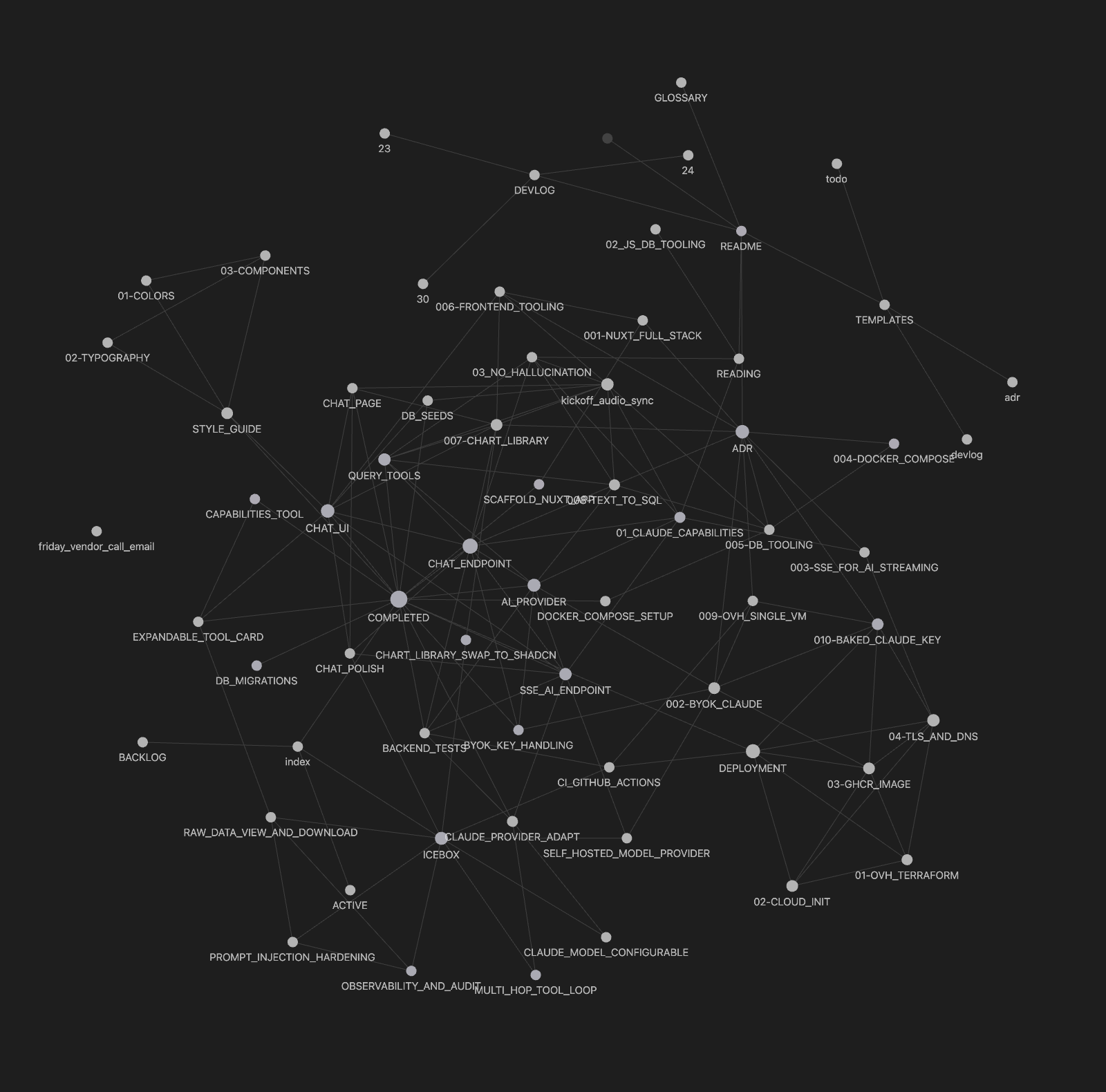
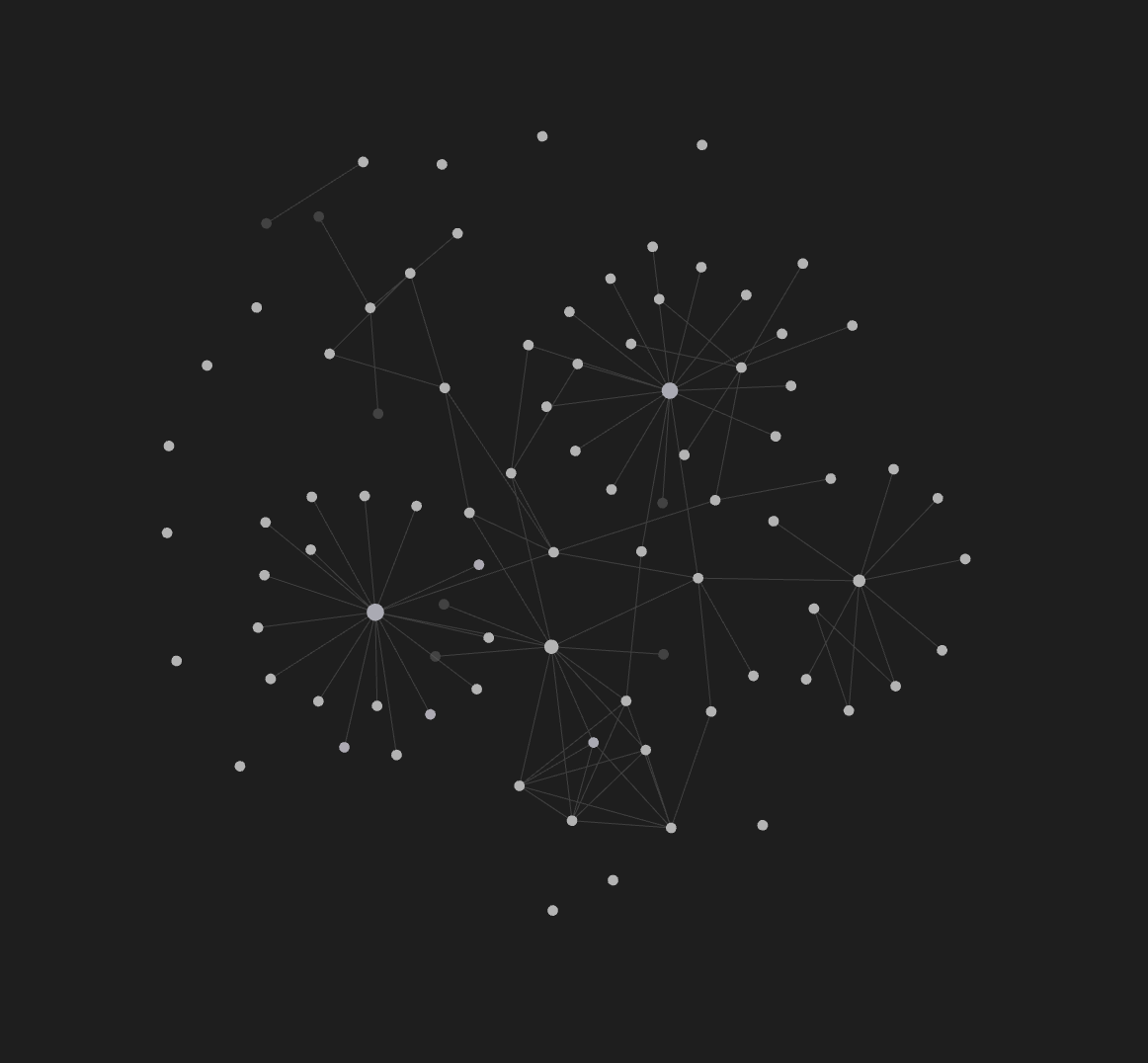
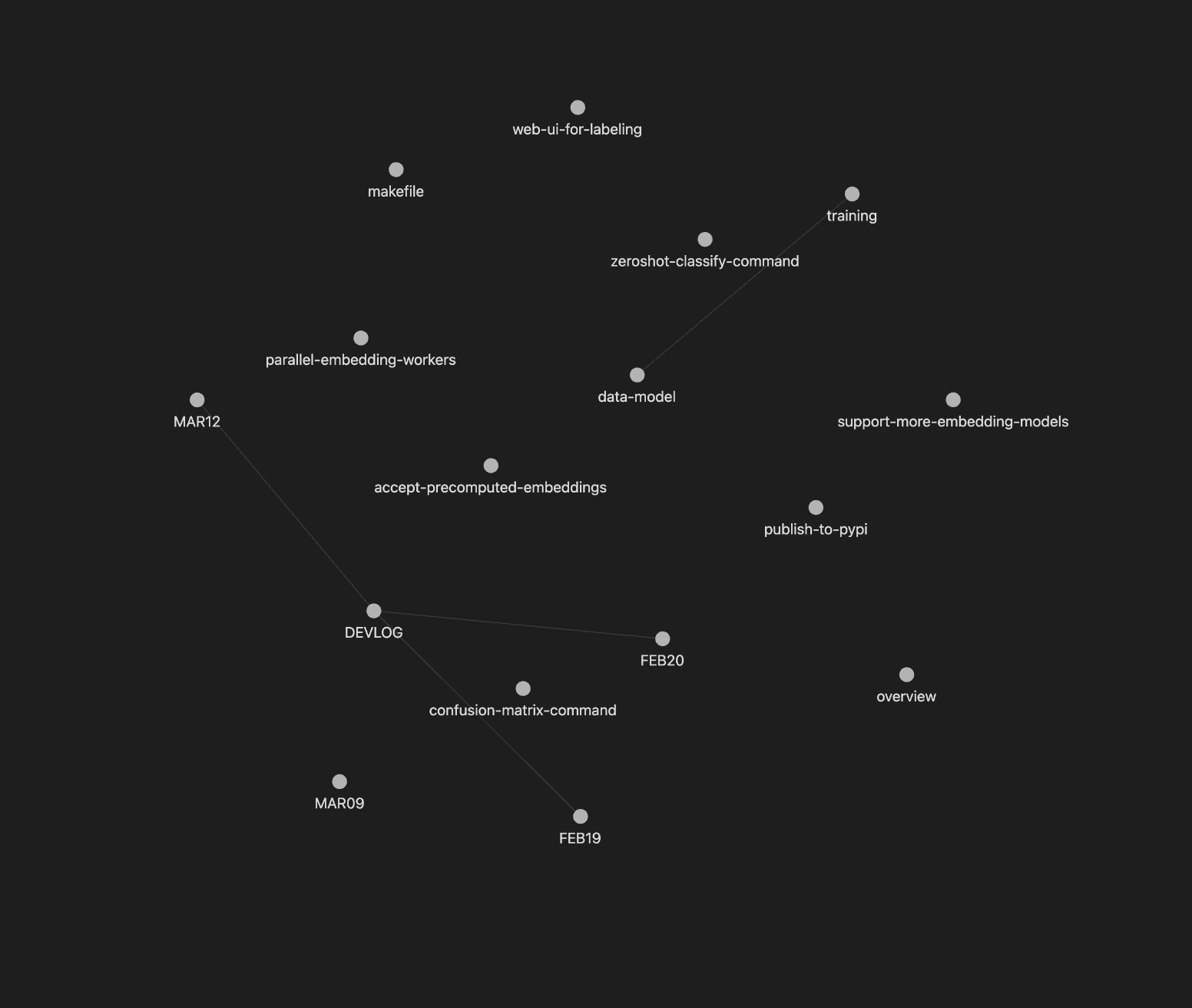
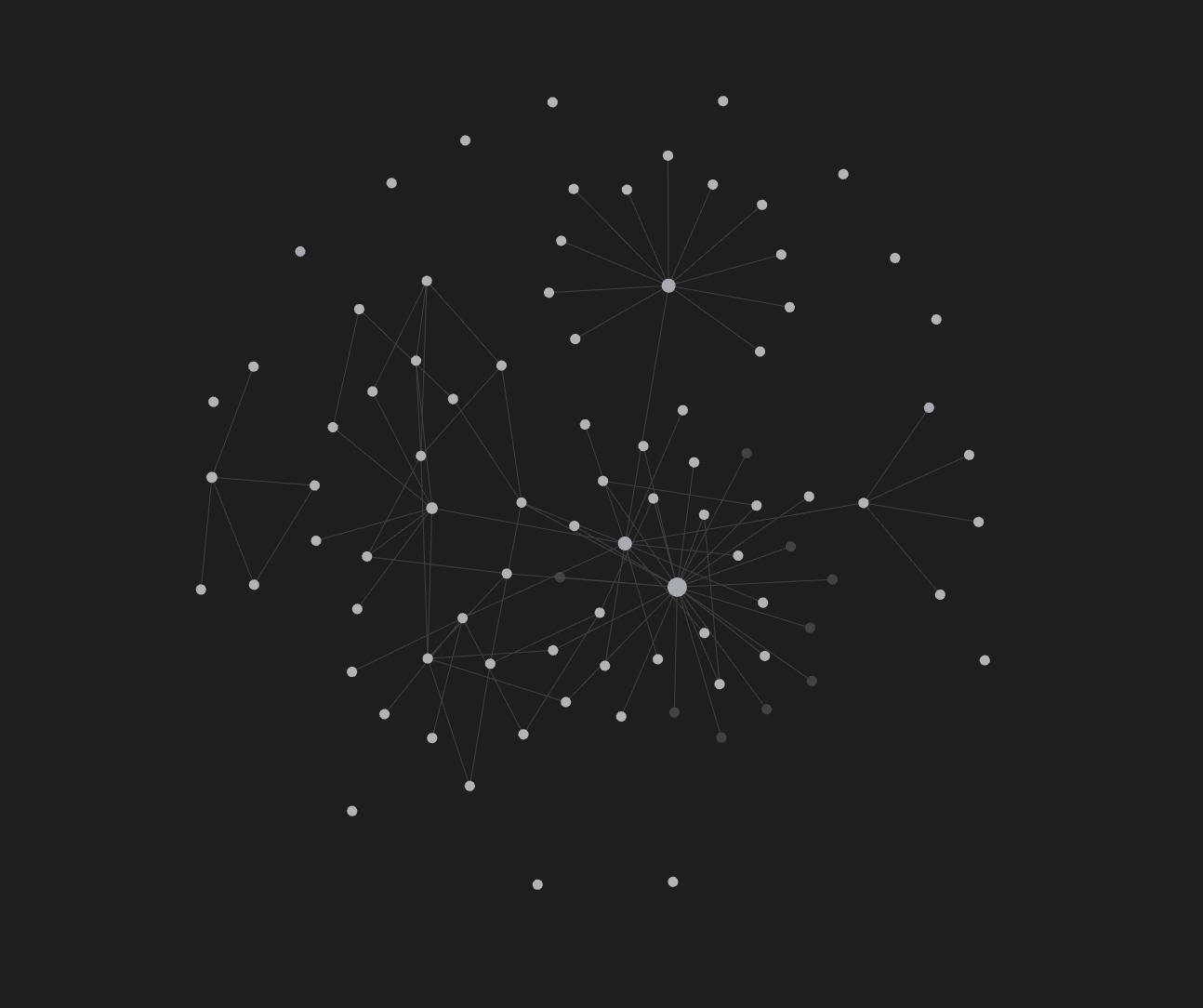
An SDD-first project: 4 months, 500+ commits.
The spec is the memory. Anything that needs to outlive the chat goes in a spec file — the conversation is scratch.
Specs get refactored; code falls out. When understanding shifts the spec changes first, and the code edits that follow are mostly mechanical.
Not everything needs a spec. Only load-bearing decisions earn an entry; exploration and implementation guts belong in the conversation and the code.
Specs decay if they mirror code. Code should be self-referential most of the time; the spec stays above that layer and only captures what the code can’t say about itself.
Scaffolding
I use a custom Claude Code skill (buzdyk/create-project) to start new projects. It asks four basic questions:
- What is this project? (1-2 sentences)
- Who is it for? How does it apply to your life?
- What does the MVP look like?
- What tech decisions have you already made?
…and then scaffolds the docs with an initial ADR, todo, and other entries, plus the three git hooks installed. The skill is the bootstrapper, not the runtime; everything it produces keeps working after.
Layout
The four clusters formed naturally while I iterated on the skill — they map onto the lifecycle of a decision: research before, decision at, work after, record once shipped.
reading/— research notes. External context staged before a decision: framework comparisons, summaries of prior art, annotated links. Long-lived; survives whether or not the decision goes its way.adr/— decisions, immutable. One numbered file per architectural call, recording what was picked, what was rejected, and why. Edited only to mark superseded; the audit trail matters more than tidiness.todos/— forward-looking work, subdivided by lifecycle rather than topic.active/is a focus window, kept deliberately tight — only what’s in flight, no further subdivision. If it grows past five or six items, something belongs inbacklog/.backlog/andicebox/can subdivide once mass demands it:infrastructure/,features/,tech-debt/are the common splits. Subdivision follows volume, not upfront discipline.completed/is the archive.
devlog/— dated entries, appended by a git hook on every commit. The “what changed and when” record. Read backward to remember what shipped last week; read forward over months to see drift in priorities.
Bootstrap
Full project state after the cast: buzdyk/sdd-demo.
Prompts from the session:
A slice
One feature across four layers — picking Astro for this blog’s frontend, from research to ship:
# Static Site Frameworks — A 2026 Read for the JS-Shaped Brain

Reading note for picking a generator for this blog. Constraints declared up front: **easy hosting** (drop a `dist/` on Netlify/Cloudflare/GitHub Pages, no Node runtime needed), **custom JS when warranted** (an interactive carousel here, a graph component there — not the entire site), and a previous run at **Hugo that didn't feel right**.

The Hugo complaint is the load-bearing detail. It rules out a whole branch of the landscape, and naming *why* it didn't fit is the difference between picking blind and picking deliberately.

---

## What "didn't feel right" about Hugo, named precisely

Hugo is the fastest static generator in the space. A 10K-page rebuild in under a second, single Go binary, no Node runtime — by the constraints listed at the top this should have been the answer. The reasons it almost never is, for someone shaped by JS:

- **Go template syntax is alien.** `{{ if eq .Section "blog" }}{{ partial "card" . }}{{ end }}` is well-defined and composable, but the verbosity-to-power ratio rewards Go natives. Pipelines (`. | humanize | upper`) read backward to anyone coming from JSX or template literals.
- **No real component model.** Hugo has *partials* (template includes) and *shortcodes* (templated HTML you call from Markdown). Neither is a component in the modern sense — there is no props-and-state mental model, no scoped CSS, no JS lifecycle. Want one interactive widget? You hand-roll the JS, drop a `<script>` tag, and stitch it together yourself.
- **Theme inheritance is a deep system.** Overriding `single.html` requires understanding lookup order, theme overrides, base templates, and block inheritance — each gotcha-laden. People bounce off this on day three, not day one.
- **Hugo Pipes is its own asset world.** Resource processing, fingerprinting, SCSS, JS bundling all live inside Hugo's pipeline rather than reaching for the npm/Vite ecosystem. Fine if you commit. Friction if you want any tool that lives in the JS ecosystem.

This is the same set of complaints that bounce most JS-shaped people off Zola too — Tera templates are friendlier than Go templates, but the "no real component model" and "you bring your own JS bundler" tradeoffs are identical.

If those four points feel like nitpicks, Hugo is genuinely a fine pick. They almost never do.

---

## The serious contenders

Ranked by fit for the stated preferences. Bottom of the list is not a slight — it's a worse fit *for these preferences specifically*.

### Astro (recommend)

The frontrunner for "I want static output but a real component story when I need one." Concrete reasons:

- **Islands architecture.** Pages render to HTML at build time. Interactive components opt in to hydration via `client:load`, `client:idle`, `client:visible`, `client:only`. The default ships zero JS; you pay only for what you mark interactive. This is the exact mental model implied by "custom JS when warranted."
- **Framework-agnostic islands.** Same page, drop in React, Vue, Svelte, Solid, Preact components — no commitment to a frontend framework. For a personal blog this matters more than it sounds: when one interactive widget calls for Vue and another is easier in Svelte, you don't have to fight the framework.
- **First-class MDX.** Markdown plus JSX-shaped component imports. Content stays as Markdown for the linear prose; complex passages reach for components. Native, not a plugin afterthought.
- **Content Collections.** Type-safe frontmatter via Zod schemas. Catches typos in tag/date/slug fields at build time rather than at render. Real ergonomic win once you have more than ten posts.
- **Static output is the default.** `astro build` produces a `dist/` that drops anywhere. SSR adapters exist if needed later, but you don't pay for them while you don't need them.
- **Astro 5 (Dec 2024) added the Content Layer** — pluggable loaders for content from anywhere (filesystem, APIs, Notion, etc.) under the same Collections API. Server Islands (partial dynamic rendering on demand) is the recent direction for "mostly static, occasionally fresh."

The honest costs:
- **More setup than Hugo on day one.** Vite-shaped toolchain, npm install, dependency churn. You're back in the JS ecosystem.
- **Build times grow with hydrated component count.** Pure-static Hugo will always be faster on a 5K-page site.
- **The hydration mental model is a real thing to learn.** `client:load` vs `client:idle` vs `client:only` is genuinely useful and genuinely a thing you have to understand.

[astro.build](https://astro.build) · [docs](https://docs.astro.build) · [content collections](https://docs.astro.build/en/guides/content-collections/)

### Eleventy / 11ty (strong dissent)

The minimalist's pick. **No JS framework opinion**, just templates → HTML. Liquid, Nunjucks, MDX, plain JS — pick your templating, point at a folder, get a static site.

- **Pure static, fast, lean.** v3.0 (Sep 2024) moved to ESM and gained Edge runtime; mature project under the 11ty Foundation now.
- **No bundler bundled.** This is a feature *and* the catch. Want React/Vue/Svelte components? You wire up Vite or esbuild yourself, or use the official **WebC** component system (web-components-shaped, smaller community than React/Vue).
- **The right pick if** you want minimal magic, are comfortable assembling the toolchain, and your "custom JS" is mostly vanilla or web components rather than framework components.

The honest cost: **assembly required.** What Astro hands you in an `npm create astro` is what you're hand-wiring with 11ty. Worth it if you value the control; pure overhead if you don't.

[11ty.dev](https://www.11ty.dev) · [WebC](https://www.11ty.dev/docs/languages/webc/)

### SvelteKit with adapter-static (dissent if you want Svelte everywhere)

If "custom JS when warranted" turns out to mean "I want real component-driven interactivity in lots of places," and you're willing to commit to one framework: SvelteKit's `@sveltejs/adapter-static` produces a fully static build, and Svelte is the most ergonomic of the major frameworks for hand-rolling components.

The cost is the inverse of Astro's framework-agnosticism: you're now in the Svelte universe. Markdown→Svelte goes through `mdsvex`, which is solid but less mature than Astro's MDX integration. Worth it if you actively want Svelte; not worth it just to get static output.

[kit.svelte.dev](https://kit.svelte.dev) · [adapter-static](https://kit.svelte.dev/docs/adapter-static)

### VitePress (dissent if you're Vue-first)

Vue's answer to "lightweight static generator with real components." Vite-powered, Vue-shaped, fast, opinionated for docs/marketing sites but flexible enough for a blog. Custom Vue components in any Markdown page. The narrowest fit if your interactivity needs are Vue-shaped — lighter than Astro for that specific case.

[vitepress.dev](https://vitepress.dev)

### Next.js / Nuxt with static export (works, but overkill)

Both can produce static output (`output: 'export'` for Next, `nuxi generate` for Nuxt). Both ship a complete React/Vue framework, an SSR engine, an API routing layer, and a build pipeline — most of which a static blog never uses. Next's App Router with React Server Components has made `output: 'export'` more constrained, not less. The overhead-to-benefit ratio is wrong for this shape of project.

The actual case for picking these: you already know the framework deeply, or you expect the project to grow into needing SSR/edge functions later. Otherwise the heavier setup is paying for capabilities you won't exercise.

### Jekyll (legacy choice, not a new pick)

Still works, still the GitHub Pages default. The Ruby toolchain in 2026 is awkward to set up fresh on macOS (Apple Silicon especially), the plugin ecosystem has thinned, and there is no JS-component story at all. Pick if you specifically want zero-config GitHub Pages and have Ruby already; otherwise this is a 2015 answer.

### Gatsby (effectively dormant — skip)

Netlify acquired Gatsby in Feb 2023 and the team was substantially reduced shortly after. Active development has trailed off, the GraphQL data layer that was the project's distinctive selling point is mostly seen as overhead now, and a new project starting in 2026 picking Gatsby is signing up for slow-moving maintenance. The community has migrated to Astro and Next. **Don't.**

---

## The pick, defended

**Astro**, for these reasons in this order:

1. The islands architecture *is* the "custom JS when warranted" mental model expressed as a build target. Default static, opt into JS exactly where the interactivity lives. No other framework gets this part right by default.
2. Framework-agnostic components remove the largest commitment cost of every other JS-flavored option. You're not betting on React or Vue or Svelte to pick the framework; you're picking *whichever* fits the next interactive widget.
3. Static output is the default and works everywhere. The constraint "easy hosting" is satisfied without thought.
4. MDX + Content Collections together solve the part of the project most likely to expand (lots of posts, lots of metadata, image/video embeds).
5. The Hugo complaints don't recur. Components are real. Templates are JSX-flavored. The asset pipeline is Vite, which is the JS ecosystem's current consensus.

The principled dissents to take seriously:
- **You actively prefer minimalism over batteries → 11ty.** You'll wire more by hand and the result will be smaller.
- **You want one framework end to end → SvelteKit.** Astro's framework-agnosticism is a cost, not a feature, in that world.
- **You're already deep in Vue → VitePress.** Lighter and more direct.

---

## Tradeoffs you're signing up for with Astro specifically

Worth naming so they aren't surprises:

- **Vite ecosystem churn.** Plugins, integrations, and adapter APIs evolve faster than Hugo's. Lock files matter; expect occasional breaking-change cleanup work on major upgrades.
- **MDX is powerful and a foot-gun.** Importing components into prose means content files now have code dependencies. Refactor a component → check every post that imports it. Use sparingly.
- **Hydration discipline matters.** It is too easy to slap `client:load` on everything and end up shipping the bundle you were trying to avoid. The mental model only pays off if you reach for `client:visible` / `client:idle` / `client:only` deliberately.
- **Build times grow with content + components.** Still fast for blog-scale sites; not Hugo-fast. If you'll write 10,000 posts in a year, this matters; otherwise not.

---

## Sources and reference

- [Astro docs](https://docs.astro.build) — canonical reference
- [Astro 5 release notes](https://astro.build/blog/astro-5/) — content layer + server islands
- [11ty 3.0 release notes](https://www.11ty.dev/blog/three/) — ESM, Edge runtime
- [Hugo docs](https://gohugo.io/documentation/) — for honest comparison of what you'd be giving up on raw build speed
- [Jamstack site generators comparison](https://jamstack.org/generators/) — broader survey if you want to widen the search
- [State of JS 2024 — Rendering frameworks](https://2024.stateofjs.com/en-US/libraries/rendering-frameworks/) — usage and satisfaction trends; Astro's retention/satisfaction has been the highest in the static-generator category for two years running
# ADR-001: Framework Choice
## Status
accepted
## Context
Need a static-site framework for a technical blog. Zero backend — all content ships as static assets. Must support markdown authoring with the ability to embed advanced interactive/programmable content.
Author background: Vue/Nuxt ecosystem (10+ years), TypeScript, Laravel.
## Options Considered
- **Nuxt 3 (Content module)** — Familiar stack. `@nuxt/content` gives markdown + Vue components in `.md` files. Static generation via `nuxt generate`. Large ecosystem. Heavier runtime than needed for a content site.
- **Astro** — Content-first static site generator. First-class markdown/MDX. Can use Vue components inside markdown (island architecture). Near-zero JS shipped by default — JS only hydrates where needed. Growing ecosystem, excellent performance. Less familiar but small API surface.
- **VitePress** — Vue-powered, markdown-first. Very fast. Opinionated toward documentation sites. Harder to customize layout/design beyond docs patterns.
## Decision
**Astro** — content-first, ships zero JS by default, supports Vue components via islands architecture. MDX for embedding components in markdown. Vite-powered. Deployed as static to Cloudflare Pages.
## Consequences
- Posts are `.md` or `.mdx` files in `src/content/`
- Vue components available for interactive elements (`@astrojs/vue`)
- JS only ships where explicitly hydrated (`client:load`, `client:visible`)
- Less familiar than Nuxt but small API surface, strong docs---
type: todo
status: done
---
# Set Up Dev Environment
## Problem
No dev environment exists yet. Need to scaffold Astro with all decided dependencies and run it in Docker so the site is accessible at `localhost:3001`.
## Approach
1. Initialize Astro project in the repo root
2. Install dependencies:
- `@astrojs/vue` — Vue component support
- `@astrojs/tailwind` — Tailwind CSS integration
- `@astrojs/mdx` — MDX support for components in markdown
- `@astrojs/rss` — RSS feed generation
- `@astrojs/sitemap` — sitemap generation
- `daisyui` — Tailwind component plugin
- `shiki` — syntax highlighting (built into Astro)
3. Configure `astro.config.mjs` with integrations
4. Configure Tailwind with daisyUI plugin and dark/light themes
5. Create `Dockerfile` and `docker-compose.yml`
- Dev server on port 3001
- Volume mount for hot reload
6. Verify default Astro index page loads at `http://localhost:3001`
## Done When
- `docker compose up` starts the dev server
- Browser at `localhost:3001` shows the default Astro page
- Tailwind classes work
- daisyUI theme toggle works
## Related
- [ADR-001 Framework](../../adr/001-framework.md)
- [ADR-005 Design System](../../adr/005-design-system.md)---
type: devlog
date: 2026-03-07
---
# Mar 07 - Dev Log
## Summary
**Project Scaffolding**
- Initialized Astro with Tailwind and daisyUI
- Added Docker setup with Vite polling fix
- Created Dockerfile, compose, and .dockerignore
**Architecture Decisions**
- Wrote ADRs for framework, content, and design
- Added ADR template and index
- Documented hosting/deployment and content structure
**Blog Content**
- Added blog pages, layouts, and placeholders
**Docs & Workflow**
- Set up devlog, reading list, and templates
- Added dev workflow scripts
- Created feature and devlog templates
## Commits
- 4e38cbe Add ADRs and dev workflow scripts
- ed37e2c Add docs structure with templates and todo tracking
- bc359ac Accept ADRs for framework, content, design
- 8a58ae6 Scaffold Astro project with Tailwind, daisyUI, and Docker
- 96ba654 Add blog pages, layouts, and placeholder content
- 8649565 Enable Vite polling for file watching in DockerWorkflow
Day-to-day, the artifacts are operated with prompts. The judgment isn’t the wording — it’s which spec the work belongs in. A few verbatim prompts from working sessions:
i want to add a dark theme feature and toggle to the ui. does our frontend stack support it out of the box or some tech debt is blocking? investigate, ask questions then create an active todo in docs/todos/active
isnt complex enough for adr or reading, goes stragiht to the todos
The prompt points at a spec — “add an active todo,” “an ADR for the migration,” “a reading note on Astro” — and the agent picks the file. The rest can stay short because the spec carries the project context — you stop re-explaining yourself every conversation. Routing is the part that takes practice; once the right spec is in mind, the work falls out.
The loop compresses three traditional phases into one context. Planning is the spec edit that frames the work; delivery is the agent translating; refactoring is the spec edit that reshapes what came back. They used to be separate sprints with handoffs between them — under SDD they alternate inside a single session against a single artifact.
Automation
Automation in SDD does one of two things: it hands work to an LLM that needs judgment, or it keeps the LLM out of work that doesn’t. Repetitive bookkeeping burns tokens, drifts over time, and distracts the agent from the parts where judgment actually pays off — so a script handles it instead.
Git hooks ride along with every commit:
- Commit message. The staged diff goes to the model, which drafts a one-line message in the project’s house style. You still review; you don’t draft. (Outsourced — summarizing a diff takes judgment, and the work is low stakes.)
- Devlog entry. Same diff, longer summary, appended to the dated devlog file. What shipped, why, the spec it closes. (Outsourced — same reason.)
- Index files. A shell script walks
docs/and rebuilds the per-folder index from filenames and frontmatter. No model in the loop. (Deterministic — file listings don’t need judgment, and a script doesn’t drift or hallucinate entries.)
Gotchas that fall out of the hooks:
-
Bulk-commit specs. Granular commits earn their keep on code, where each one isolates a logical change. Prose doesn’t slice that way — splitting a spec edit into pieces just produces noise across
git log, the devlog, and every downstream view. Stage spec edits across a work session and ship them as one. -
Disable Claude attribution. Claude Code’s defaults add a
Co-authored-by: Claudetrailer to commits. This is a paid tool, and mentioning it in the commits is nothing but noise — turn it off in~/.claude/settings.json:{ "attribution": { "commit": "", "pr": "" } } -
Disable project memory. Claude Code keeps an internal memory pocket per project (on macOS,
~/.claude/projects/<project>/memory/*). It decides what to save and when to recall — and over time wastes more and more attention on it. Under SDD the spec tree is the memory; the pocket is a redundant second one that drifts. The prompt I use to neutralize it:Remove all current memory about the project and add a single one saying “Do not use project memory unless explicitly asked to by the user”.
Viewing
Most of the time, prompting an agent or reading specs in the IDE is enough. The ask that surfaced these tools for me was reading specs AFK — from mobile in a taxi, say.
- Navigation, when you’re the reader. Skimming what’s there, walking the graph from an ADR to its reading notes, spotting orphans. Obsidian is the local-app version — point a vault at
docs/and the spec graph from earlier becomes clickable. SilverBullet is the same idea browser-based, if access from any device matters. - Publishing. Turning the private tree into a site collaborators can read without cloning. Quartz renders a vault as a static site; MkDocs or Docusaurus work from generic markdown if you’d rather skip the vault format.
All of them sit on top of the same docs/ directory. Reach for one when navigation or sharing earns the install; otherwise the agent and the markdown are enough.
Further reading
The bootstrap output lives at buzdyk/sdd-demo. Other treatments worth reading:
- Böckeler, “Understanding Spec-Driven Development” — three implementation levels: spec-first, spec-anchored, spec-as-source.
- Eberhardt, “Putting Spec Kit Through Its Paces” — spec-kit pipeline experiment on a real feature; ~10× the time of his usual iterative-prompting flow. A counter to industrialized SDD specifically, not SDD itself.
- Osmani, “How to write a good spec for AI agents” — the Curse of Instructions (more rules → worse compliance) and three-tier permission boundaries (always / ask first / never).
- Jérémie, “Organizing Specifications with Claude Code” — alternative folder layout (
specs/,decisions/,prompts/) with numbered overview docs and no devlog. - Park, “Using SDD with Claude Code” — coins “spec-once” as the failure mode: write a spec, generate, never revisit. The drift the devlog hook here is designed to prevent.
- GitHub Engineering, spec-kit announcement — the canonical Specify → Plan → Tasks → Implement framing.
- Thoughtworks, “Spec-driven development” — specs as prompts, code as source of truth; spec drift named as the inherent hard problem.